CXR-L(EN)
CXR-L(EN)
IntroductionQuick StartDevelopment Flow & State-MachineTerms and Abbreviations
Feature Development
Version HistoryAndroid
iOS
cxr-l-sdk · v1.0.3 · snapshot 2026-06-02· ↗ source
Development Enviroment
Enable ADB
When using the Rokid CXR-S SDK, you need to enable ADB on Rokid Glasses through the Rokid AI APP.
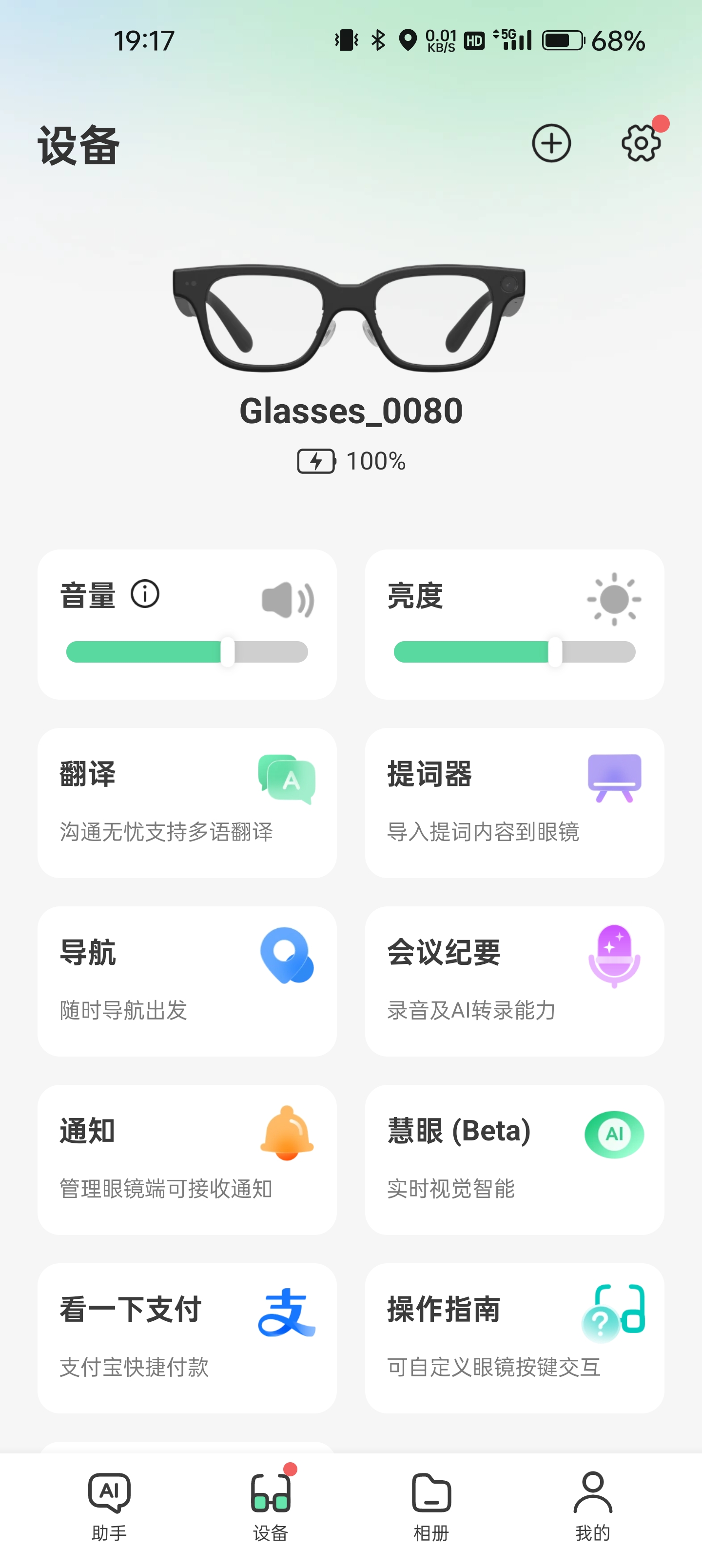
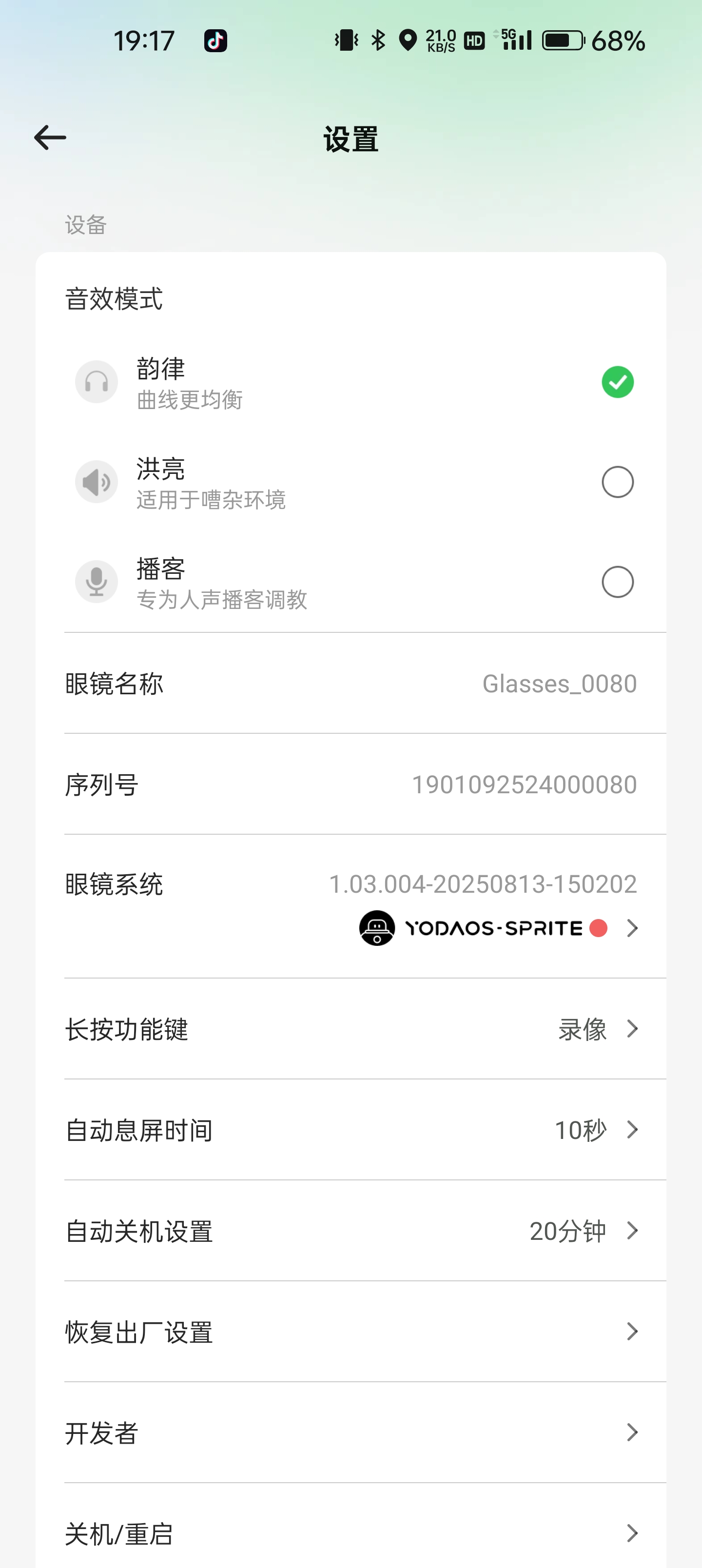
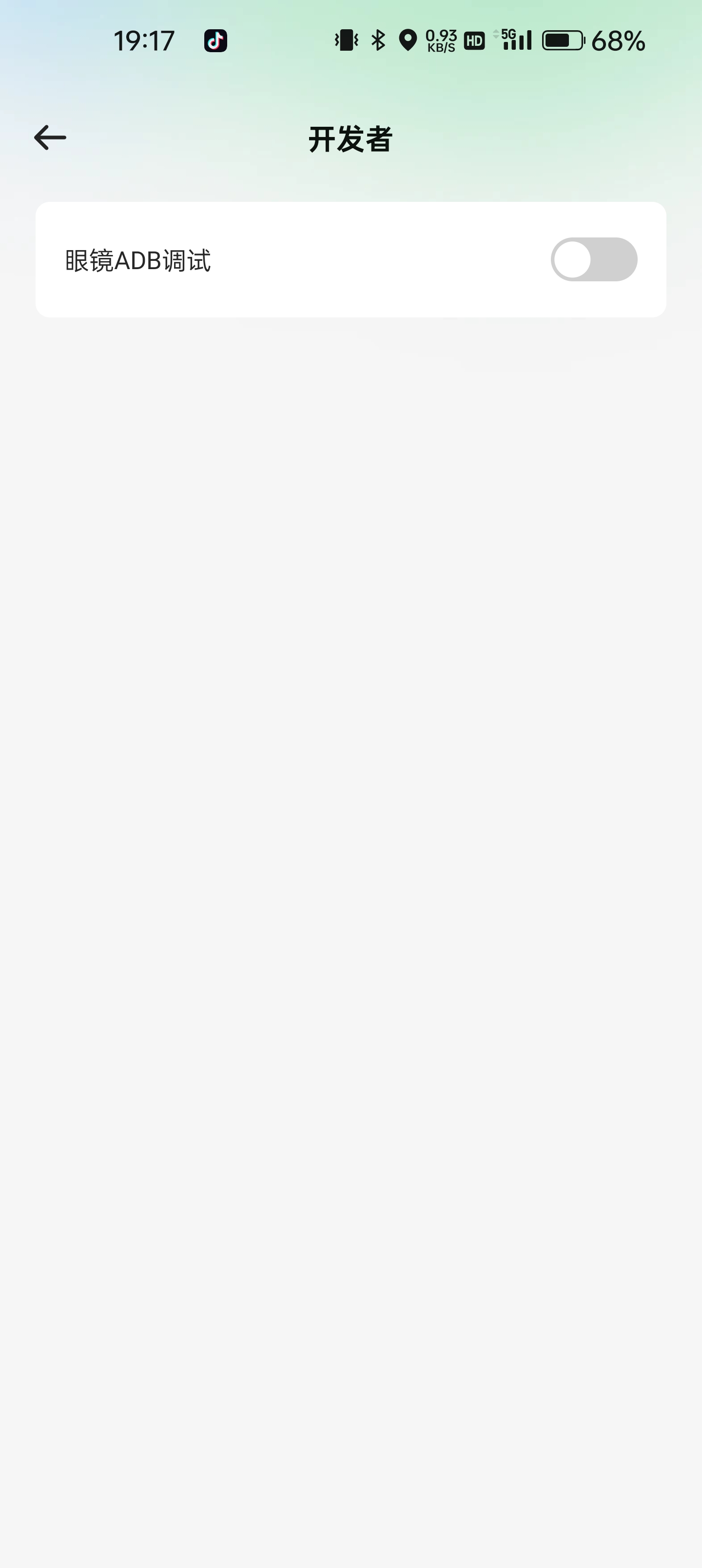
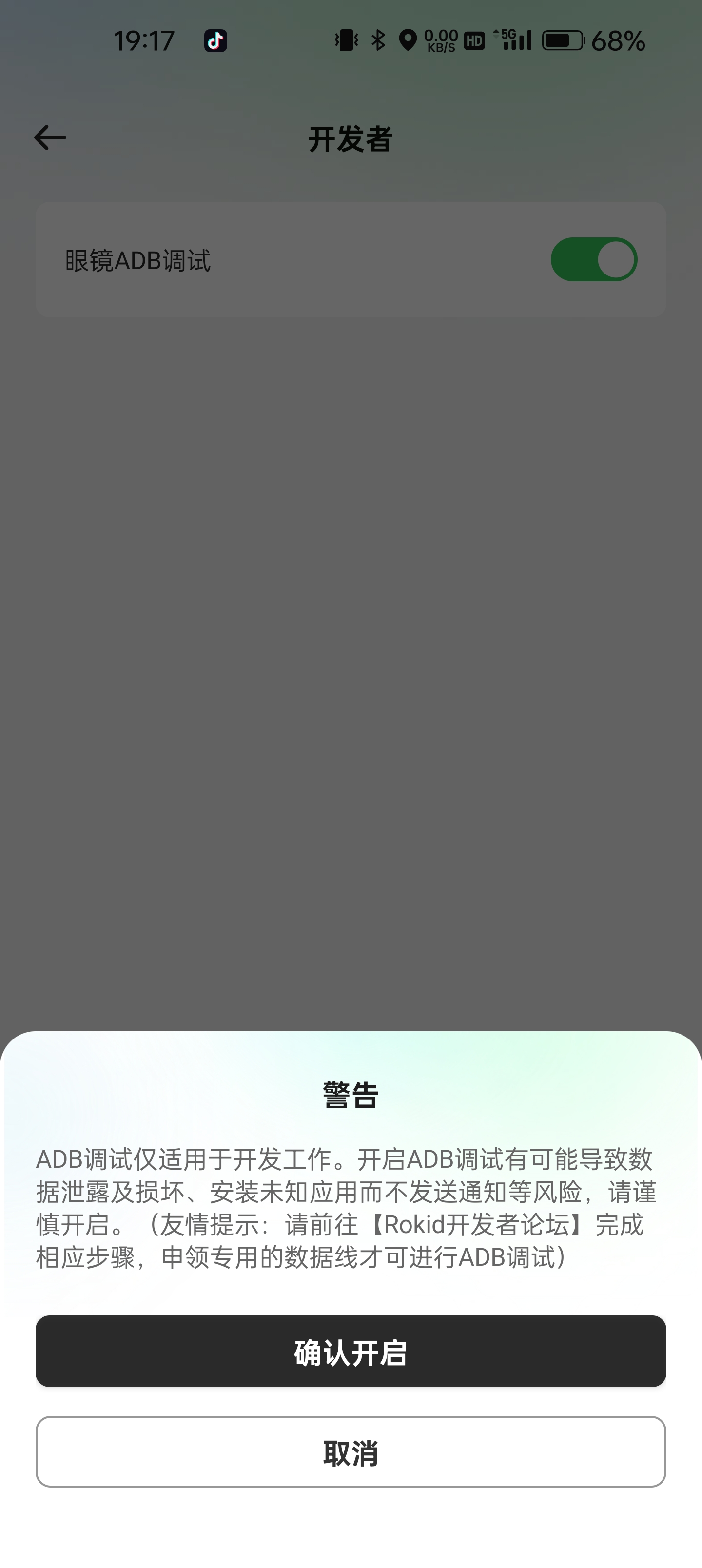
Use a Dedicated Development Cable
The magnetic charging port on Rokid Glasses can also function as a data port. A specialized development cable is required for this purpose.
Tips: The product purchased by default only includes a charging cable. If you need a development cable, please contact the developer assistant.